An empty desktop says little about personal information remaining on a device. Before transfer, plan for data, account associations and additional storage media. The appropriate procedure depends on the specific system.
Make a small inventory of stored information
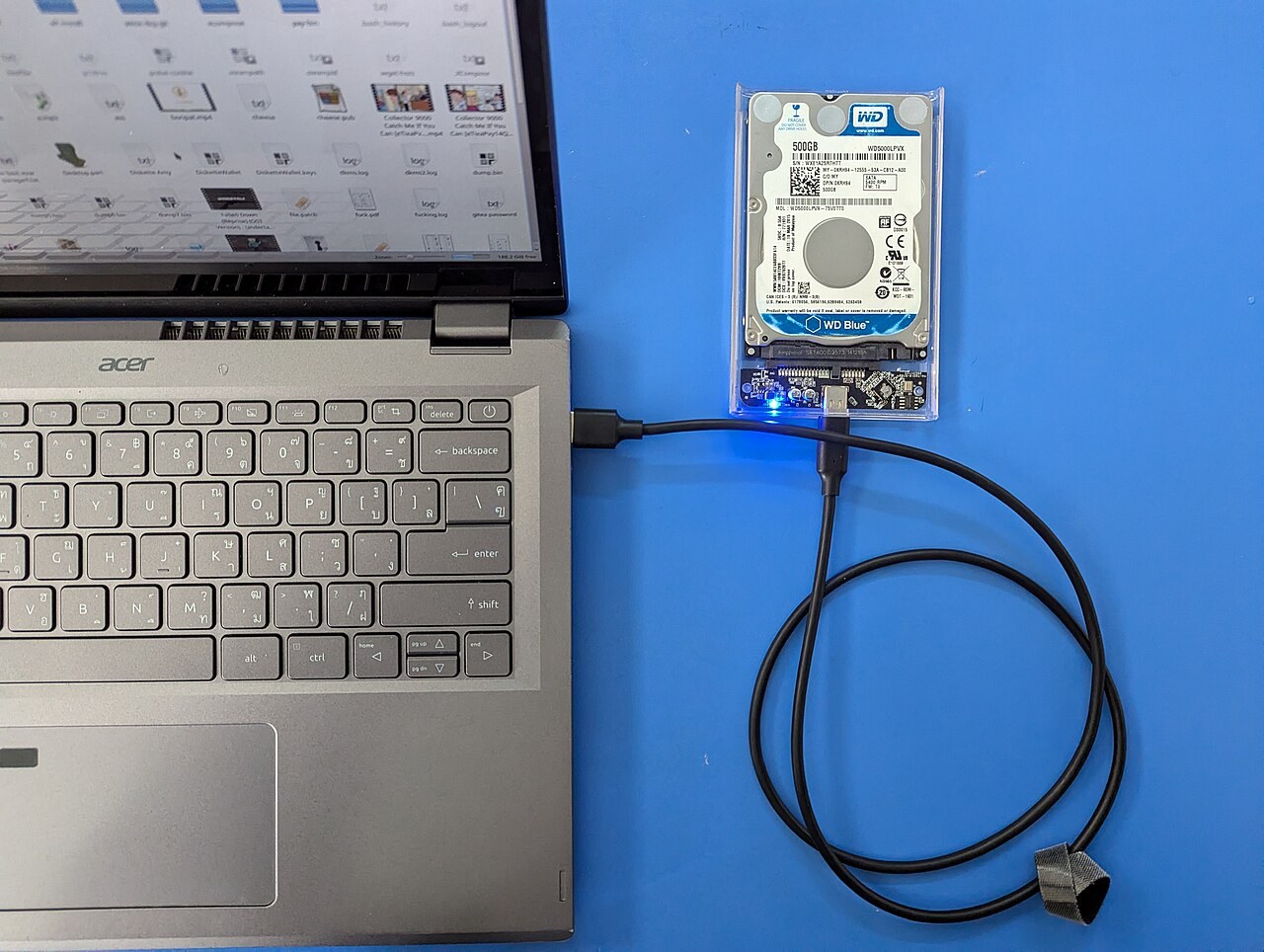
Include documents and photographs, but also browser profiles, saved access details and local application data. Remember inserted memory cards, USB storage and additional internal drives. Connected products can store account information or Wi-Fi credentials too. Back up necessary content to suitable separate storage and check that important files actually open. Only then begin irreversible erasure. Note which storage devices will remain with the product and which you will remove. Business information or particularly sensitive data may require stricter treatment than an ordinary personal computer. Establish those requirements before treating a general consumer tool as sufficient for the situation.
Use the official procedure for the system
Follow current manufacturer instructions for the particular product and operating system. Deleting individual files or emptying the recycle bin is not reliable complete data removal. Some devices require signing out of services, removing an activation lock and completing the intended erase process together. Keep necessary credentials available during preparation, but do not pass them to the recipient. Do not confuse a procedure intended to repair the system with one intended for transfer. If the product no longer starts, the data question remains unresolved. Obtain professional advice about how its storage can be handled safely instead of assuming the fault has removed the information.
Check the outcome and the handover
After the procedure finishes, check that the expected initial setup stage appears and personal content is no longer accessible. This visual check helps but is not forensic proof of complete erasure. Also follow official guidance on account associations and device management. Do not set up the item again with your main personal account merely to show the recipient a finished desktop. Keep a note of the procedure used and remove your SIM or memory cards where intended. Highly sensitive information or an uncertain result may justify specialist erasure. Continued use of the product should not depend on an unresolved assumption about privacy.
Common questions
Is formatting always sufficient?
No. The appropriate process depends on the storage, system and sensitivity of the information. Follow relevant official guidance or arrange professional erasure.
Should the backup remain on the product?
No. A backup for your future use belongs on separate storage you retain or a suitable service you control, not among the contents being handed over.