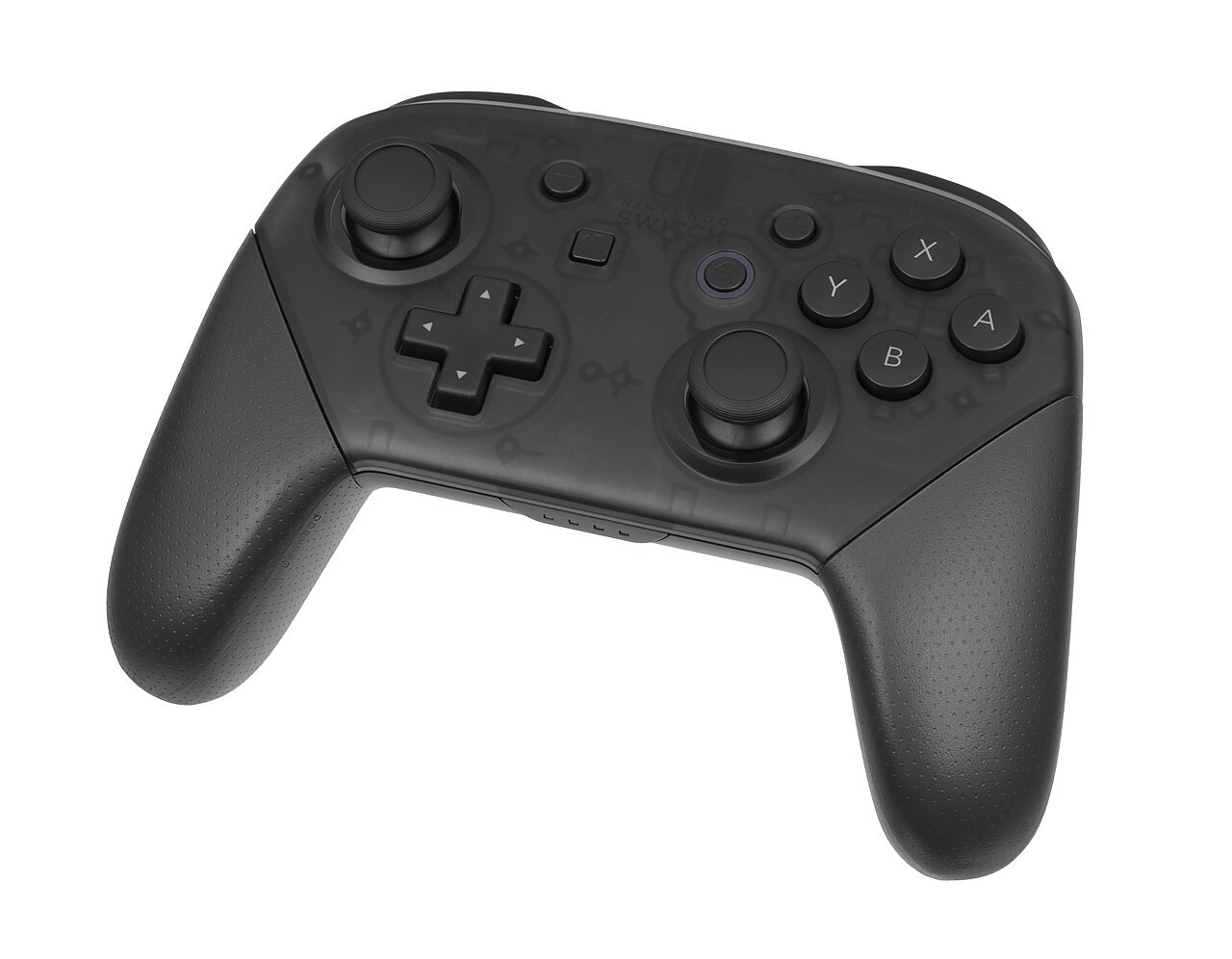
Used controllers can look well kept while producing problems with individual inputs. Moving a menu cursor demonstrates only a small part of their operation. A buying decision needs understandable checks of sticks, buttons and connection on the platform where you intend to play rather than merely proof that the controller turns on.
Establish compatibility and neutral behaviour
Clarify the model, platform and required connection. Depending on its design, a cable may charge only or carry data as well. A similar-looking controller also does not automatically support every function on every console. Consult official compatibility information before deciding that a limitation indicates a fault.
Put the connected controller down without touching its sticks and observe a suitable input display. Movement without contact is a specific symptom to record. Note whether it occurs in a system test or only one application. Game settings can affect the behaviour seen, so keep the circumstances clear.
Test movements and buttons individually
Move each stick slowly through its normal range and then release it. Look for even recognition and return towards neutral. Test stick clicks separately where provided. Do not force the stick against its stop to provoke a problem; an inspection should not overload the mechanism.
Try every main button, shoulder button and trigger. Compare ordinary pressure and repeated inputs. Then use a familiar game that exercises the functions important to you. Brief navigation through a startup menu cannot fully demonstrate fine analogue movement or dependable recognition across every trigger position. Different activities reveal different input requirements.
Distinguish calibration from wear
Nintendo describes an intended calibration procedure for compatible controllers. Follow only the appropriate instructions and test again afterwards. Successful completion does not generally promise that every mechanical wear problem has been repaired. Recurring symptoms still need clarification even when the menu reports that calibration completed.
Inspect the charging port, battery operation and wireless connection at ordinary distances. For known issues, ask about repair options and accessories. Do not spray arbitrary products into openings as a quick buying aid. A controller needs to reproduce your inputs reliably; an unresolved functional problem does not become minor because the exterior looks especially clean.
Common questions
Is every unexpected movement stick drift?
It is initially an observed input. Check the system display, application and settings before settling on a particular cause.
Is calibration proof of repair?
No. It is an intended adjustment for compatible models. What matters is whether subsequent behaviour is reliably understandable rather than whether the procedure simply finished.