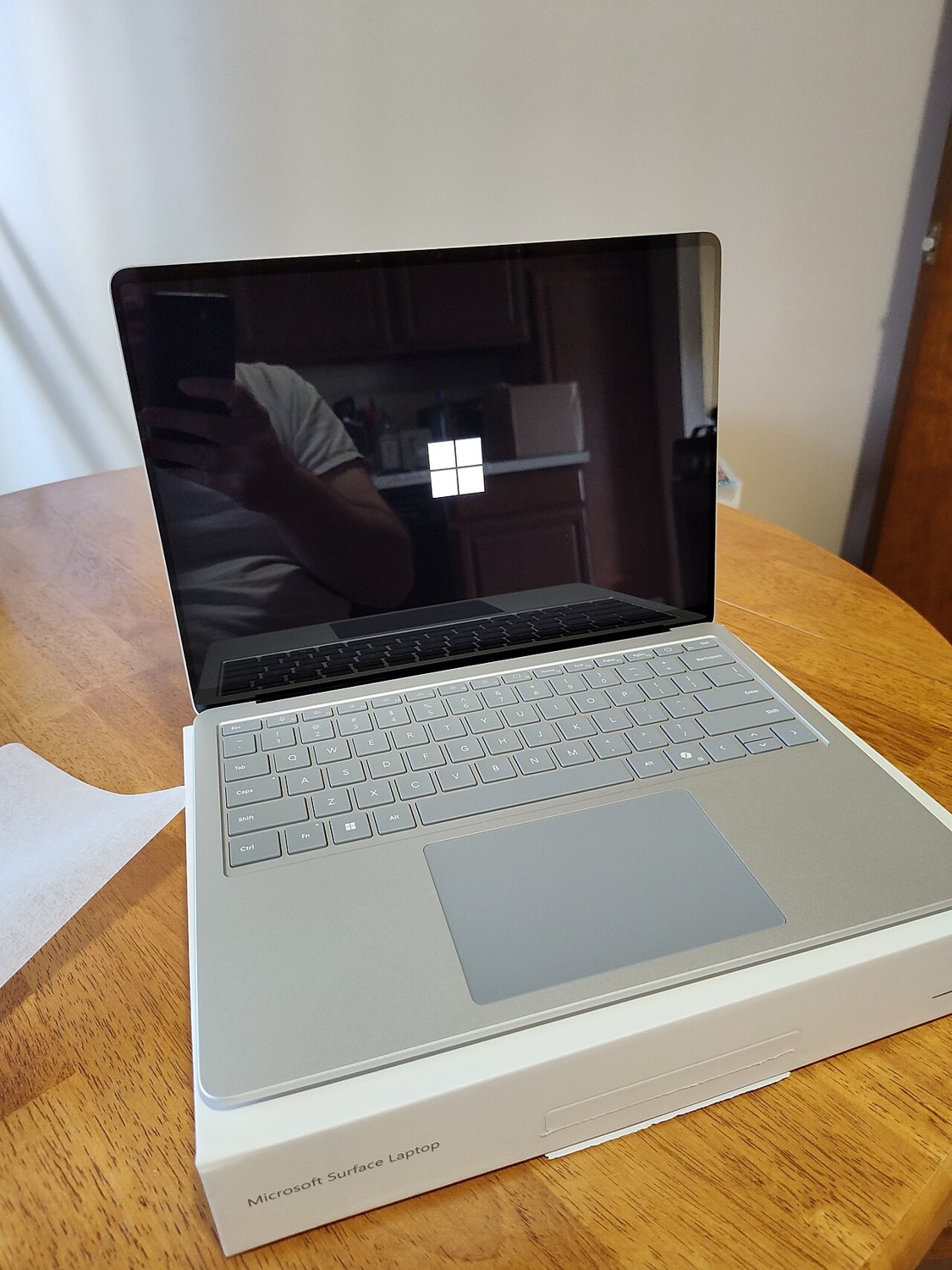
Used laptops: inspect the display deliberately
An attractive wallpaper can hide problems. Different views reveal screen defects, readability and behaviour during ordinary work.
Read article ↗A closer look at screens, batteries and connections.
An attractive wallpaper can hide problems. Different views reveal screen defects, readability and behaviour during ordinary work.
Read article ↗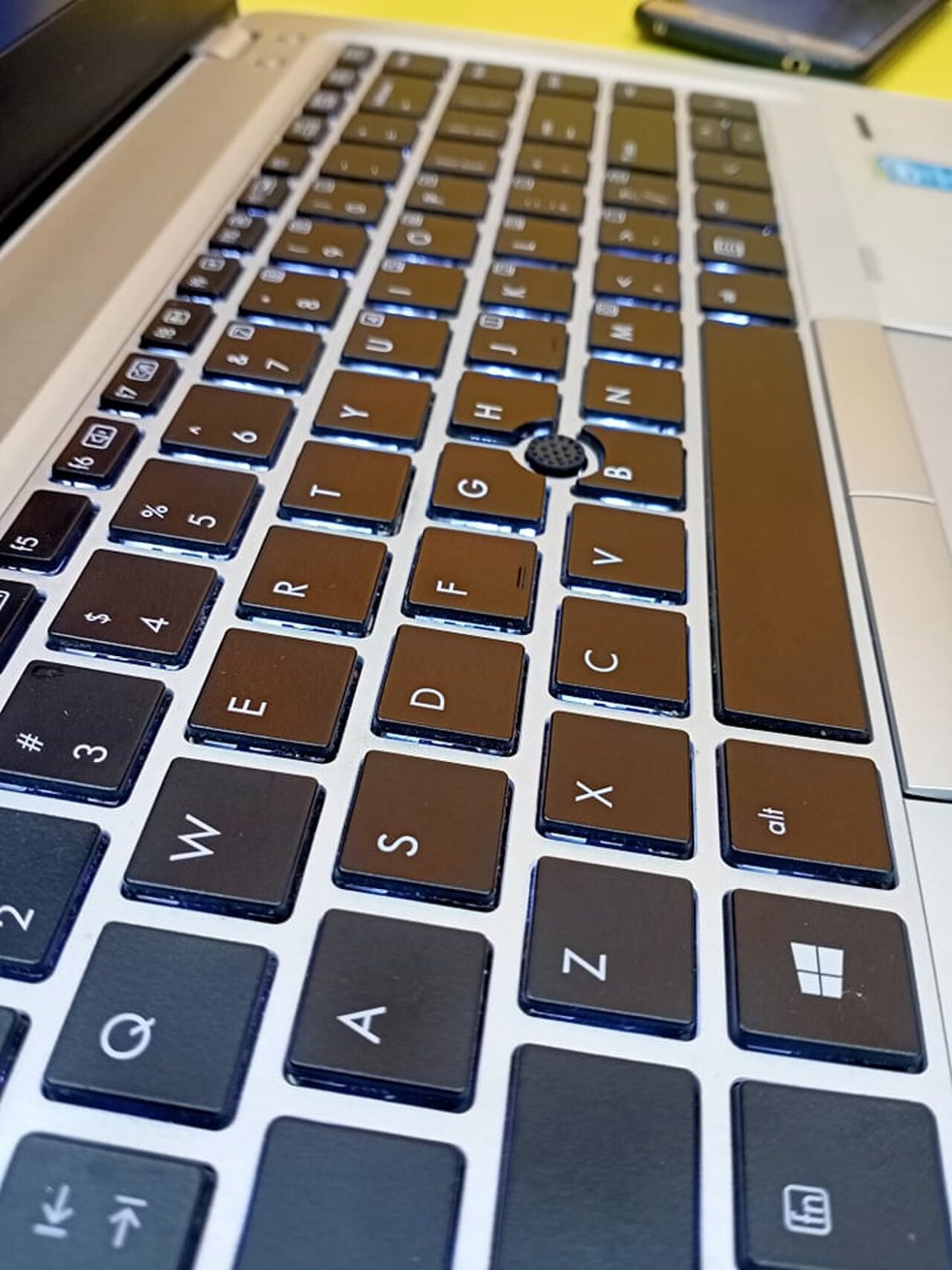
Check every key, the physical layout and repeated inputs. Producing the correct letter is only part of the assessment.
Read article ↗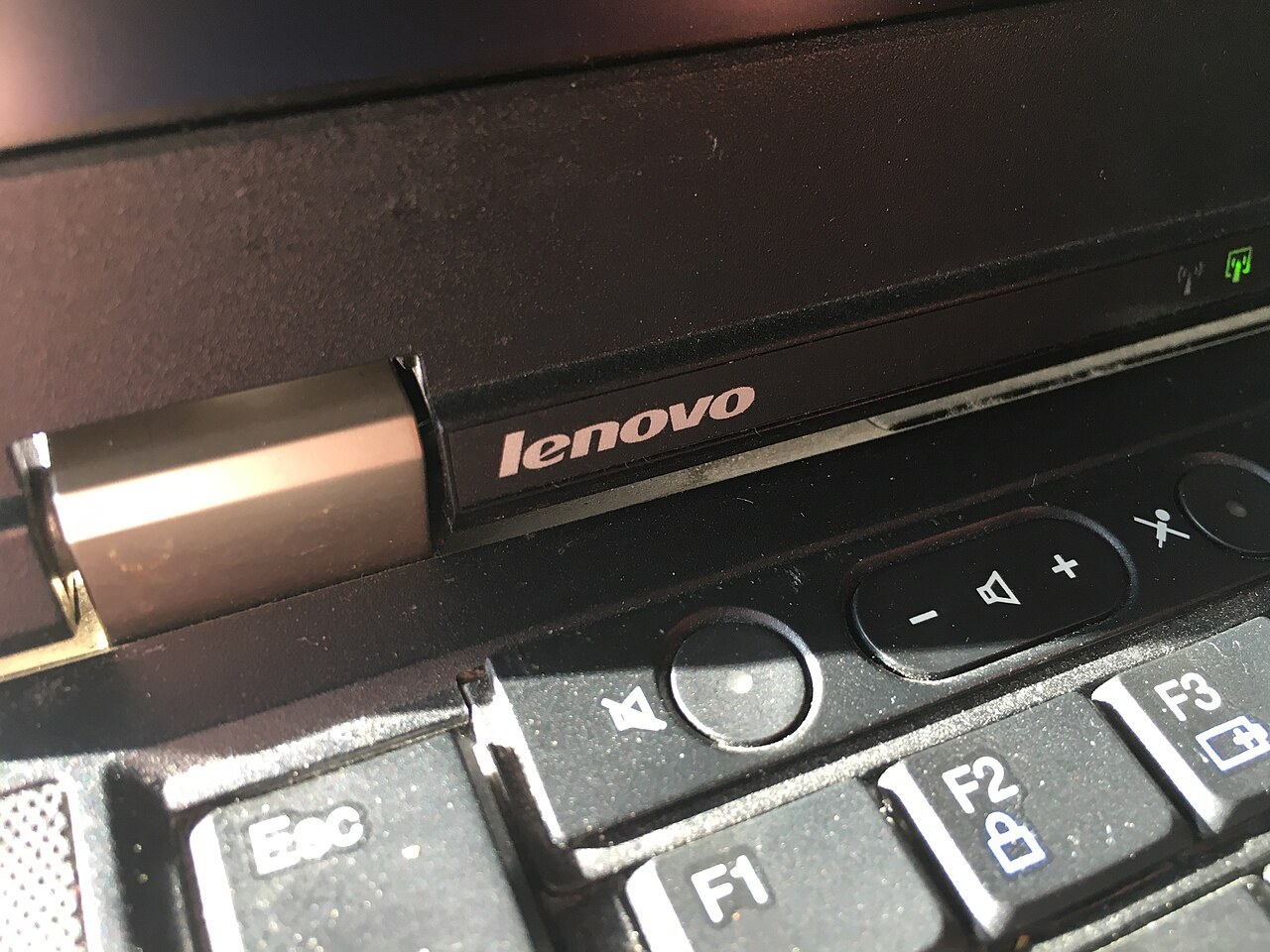
The lid should move predictably and hold a usable position. Watch the frame, mounting areas and picture at the same time.
Read article ↗
A percentage indicator does not describe complete usability. Combine condition information with an understandable practical check.
Read article ↗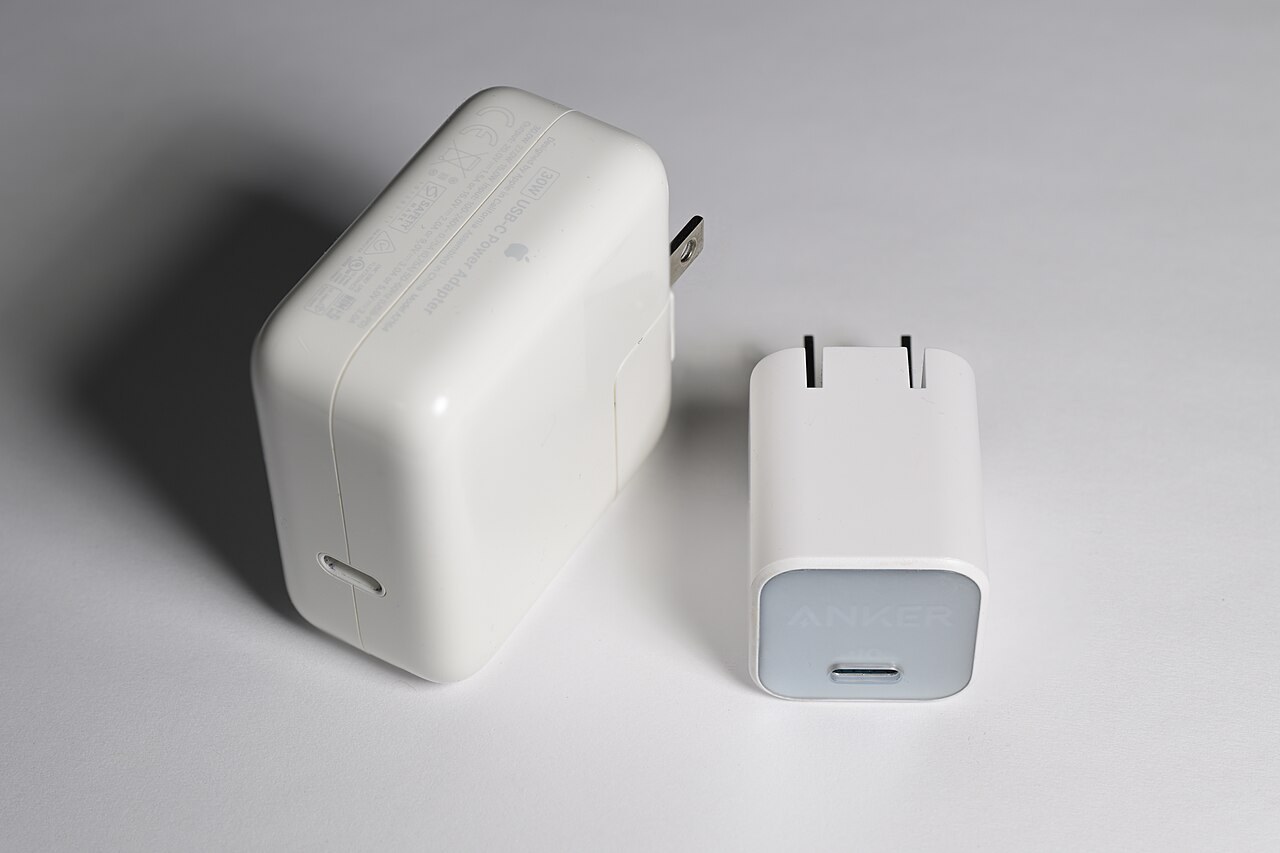
Connector shape does not establish charging capability. The device, power supply and cable must work as a suitable combination.
Read article ↗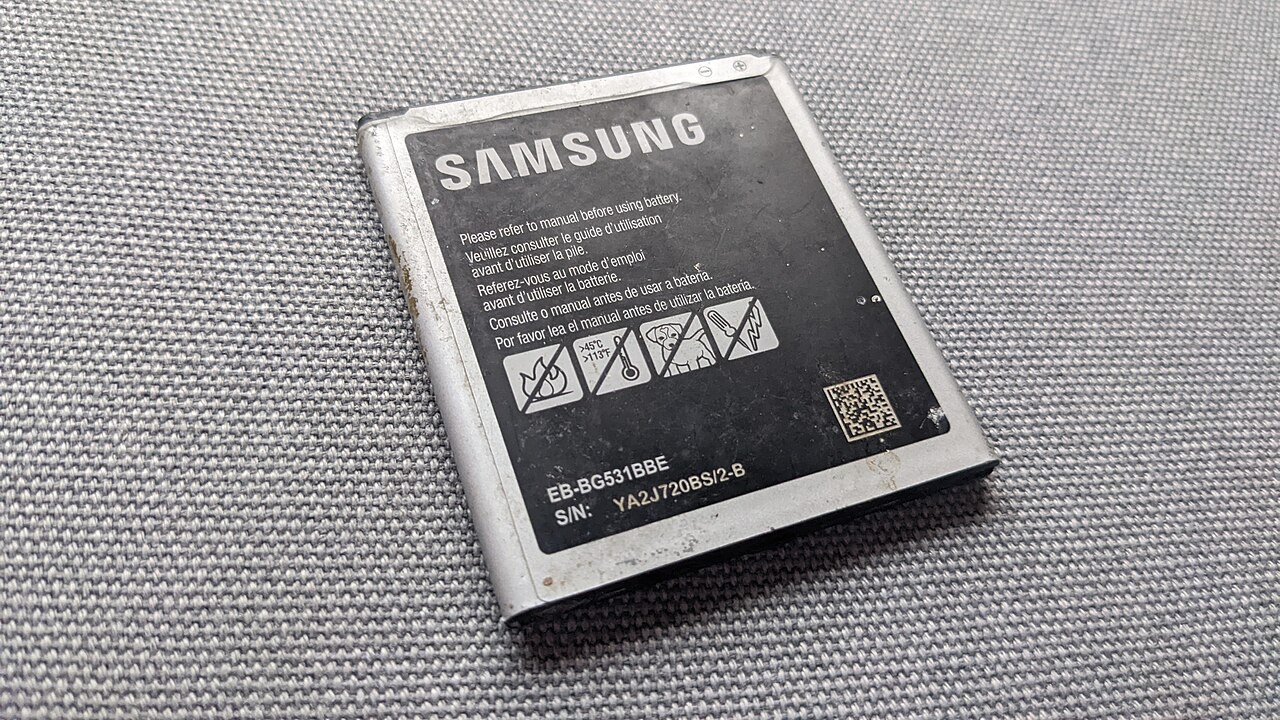
Capacity information helps, but usage, warning messages and the limits of available information belong in the assessment too.
Read article ↗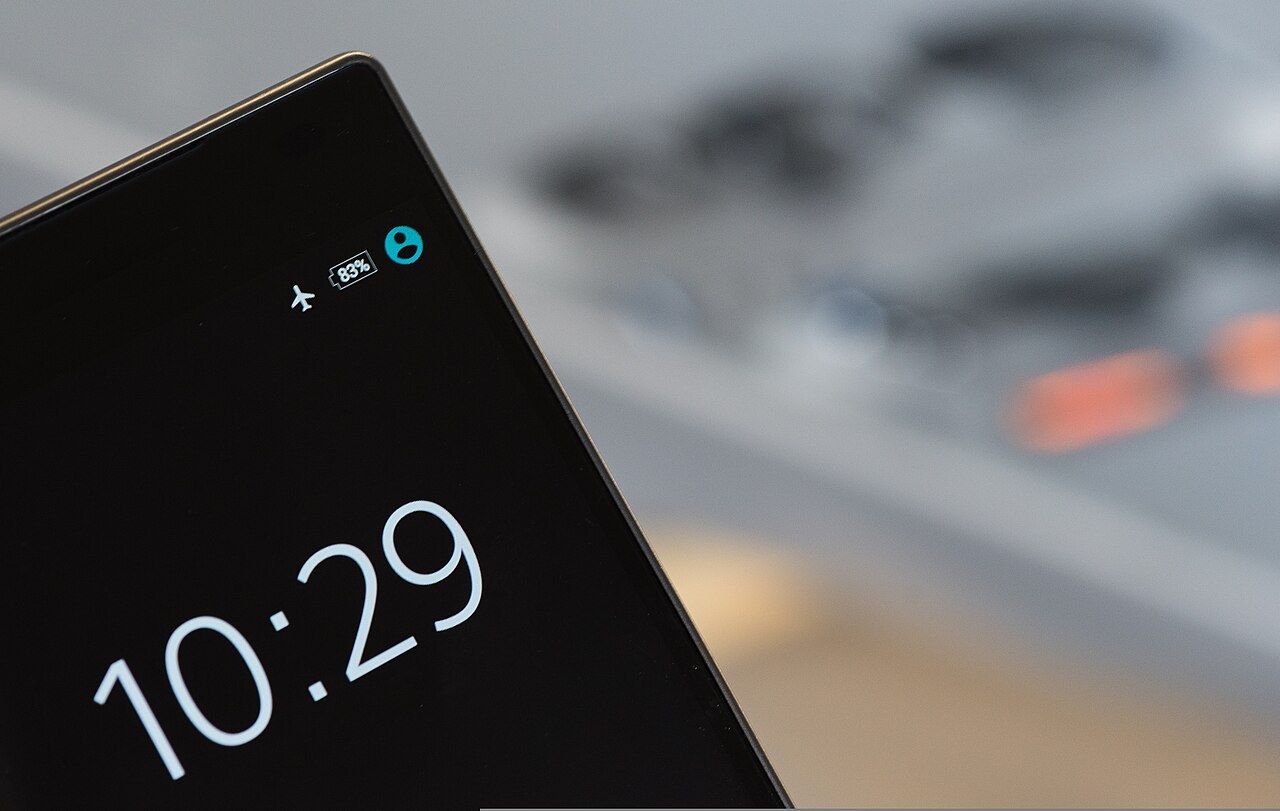
A working picture is only part of the check. Try input near the edges and inspect the surface with the screen off.
Read article ↗
An erased phone may still be tied to a previous account. Check normal setup rather than only its welcome screen.
Read article ↗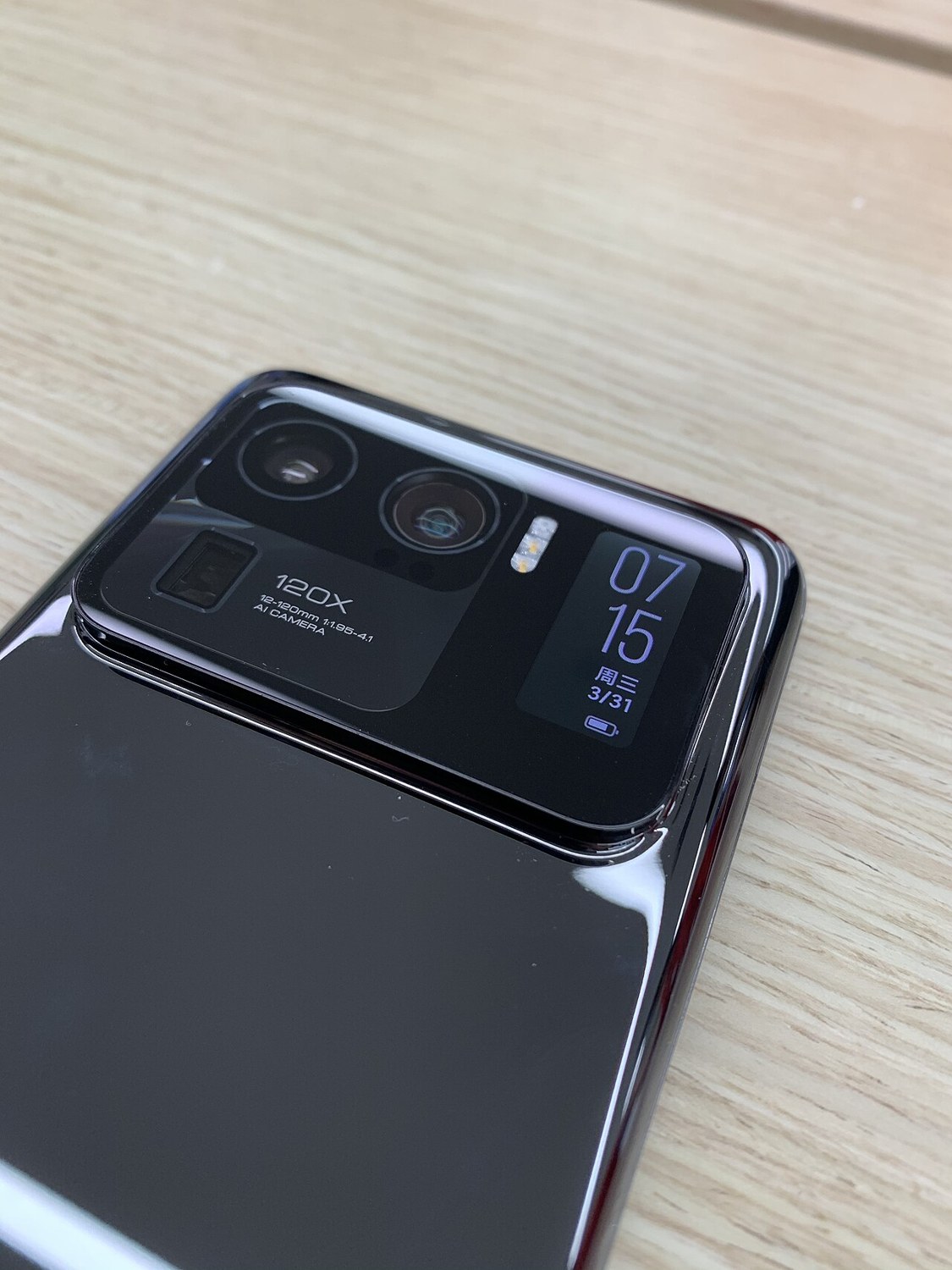
Try several cameras and inspect the saved files. A working preview is not a complete recording test.
Read article ↗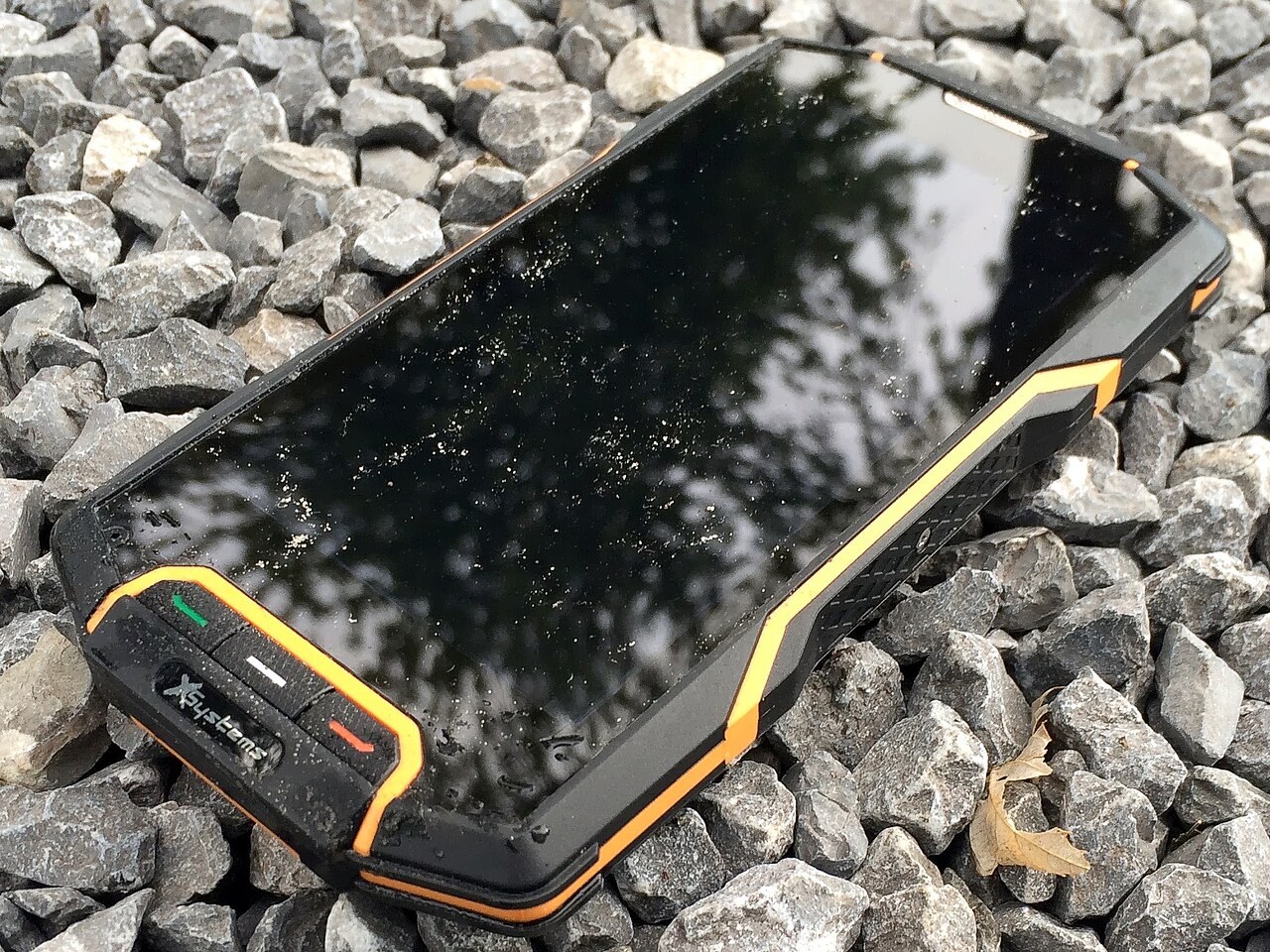
A protection claim is not permission for any water exposure. Age, damage and repairs make individual condition especially important.
Read article ↗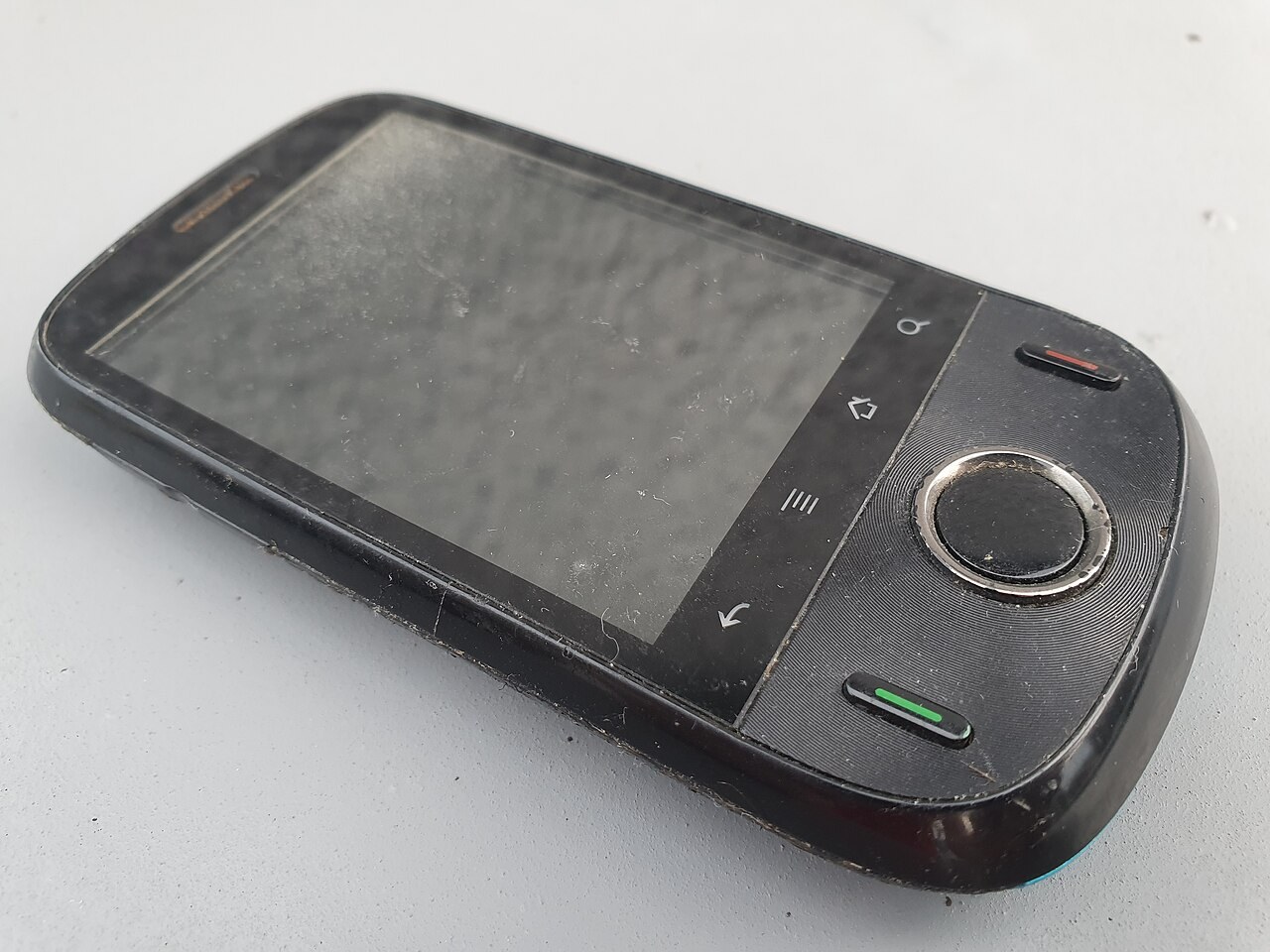
A newly bought older device does not automatically receive years of updates. Check its identity, software and current manufacturer commitment.
Read article ↗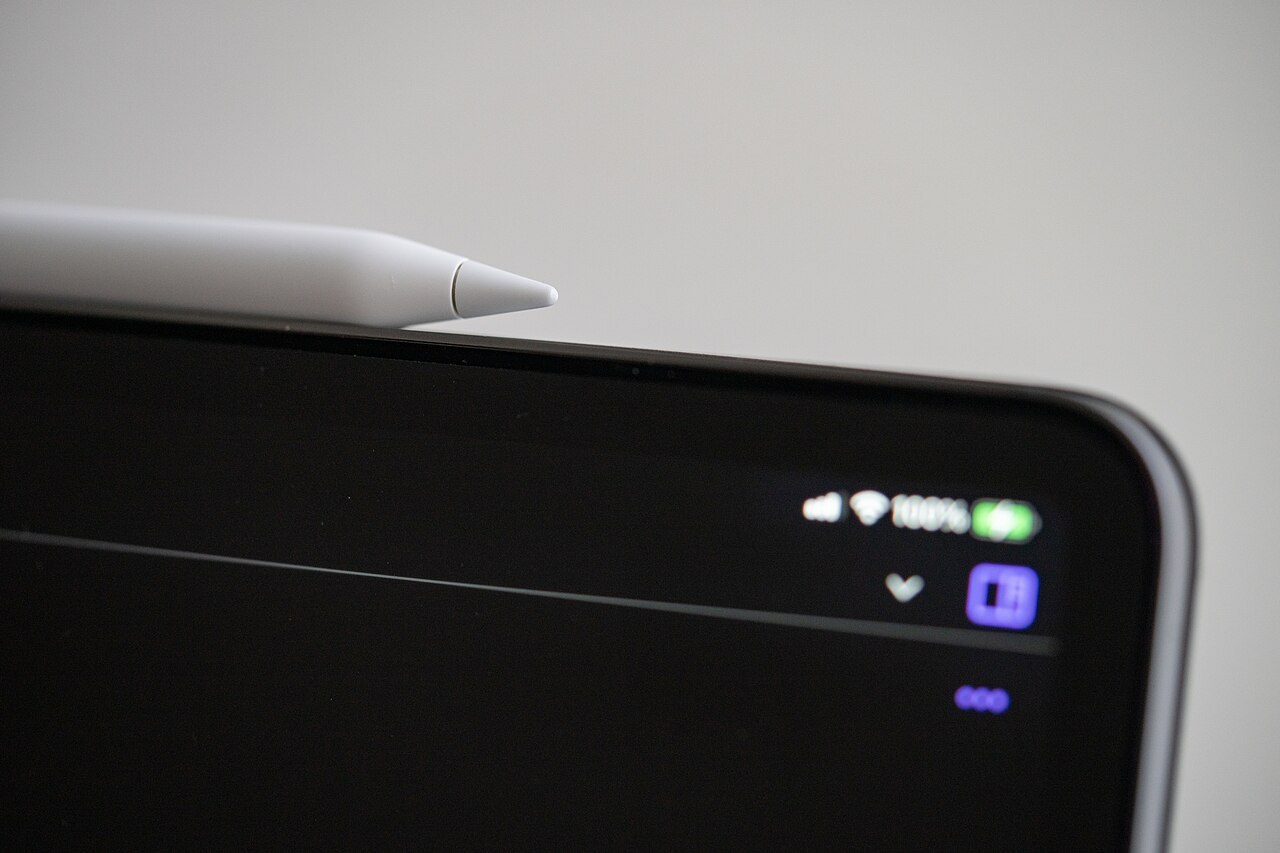
Tablets are often bought as a set. Check the screen and every essential accessory against the exact model generation.
Read article ↗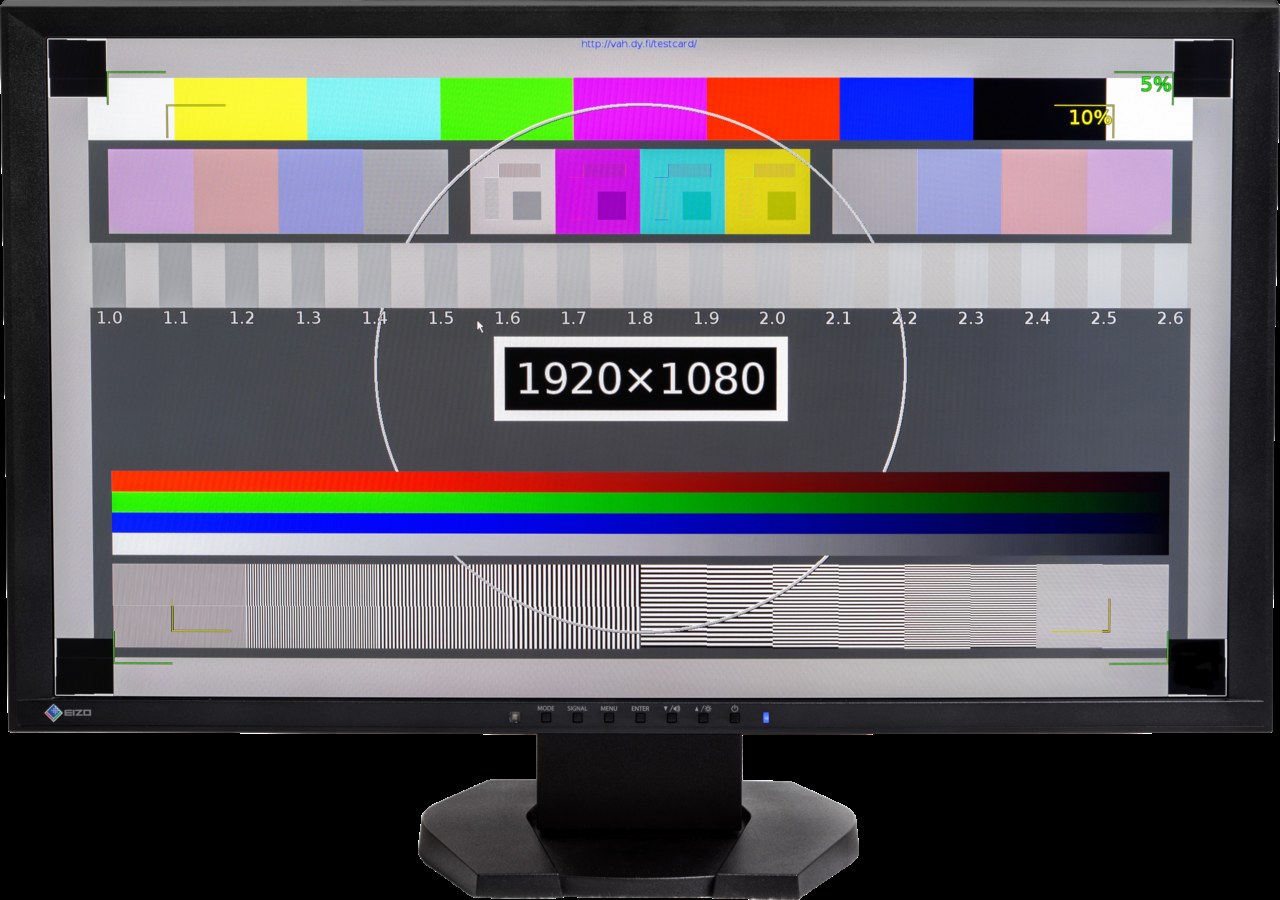
A screen test and an input check answer different questions. Include the stand and suitable cables in the assessment.
Read article ↗
Recurring logos and shadows deserve careful inspection. Separate the observation from assumptions about temporary or permanent damage.
Read article ↗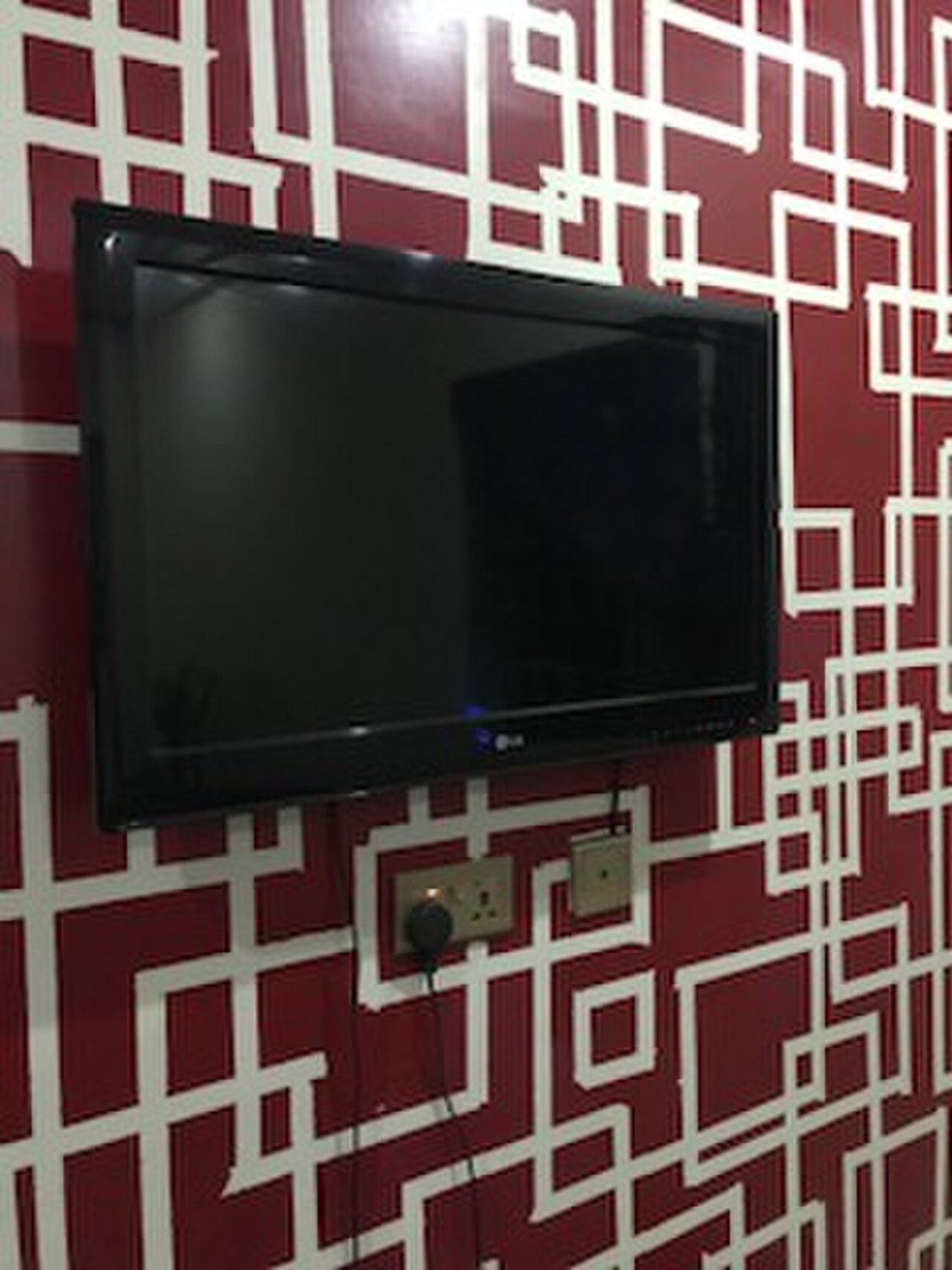
Plan the route and protection before collection. A large screen needs more than an empty space in a car.
Read article ↗
Fit, materials and electronics all affect everyday use. Check more than the sound of one short music excerpt.
Read article ↗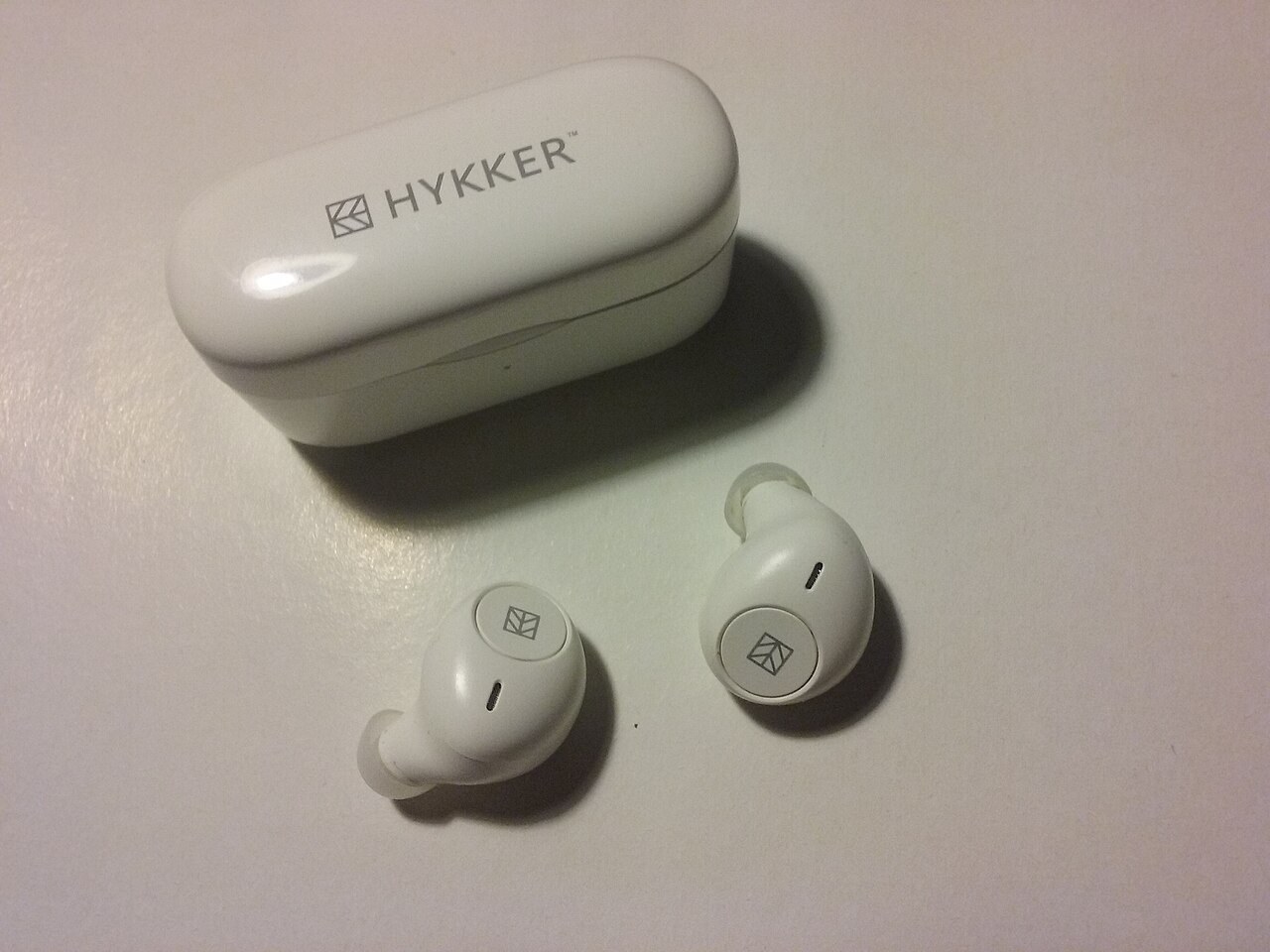
Two earbuds and a case form one system. Check condition, suitable tips and charging of each component separately.
Read article ↗
Connection, enclosure and battery may reveal different problems. Compare several types of content at reasonable volume.
Read article ↗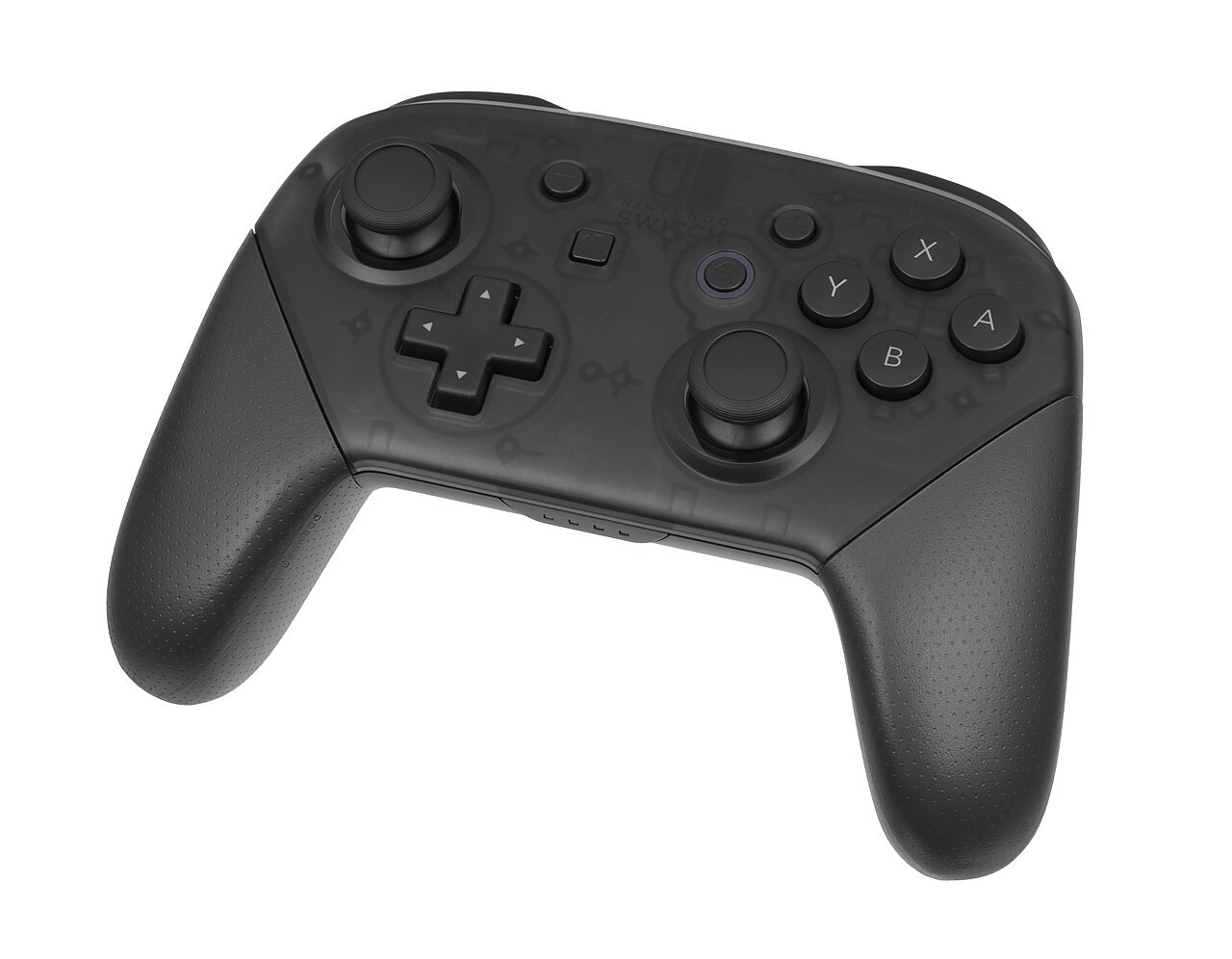
A menu test does not use every input. Inspect neutral position, movement and the functions your games require.
Read article ↗
Check the actual variant and how you intend to play. Preinstalled content is no substitute for access rights you can legitimately use.
Read article ↗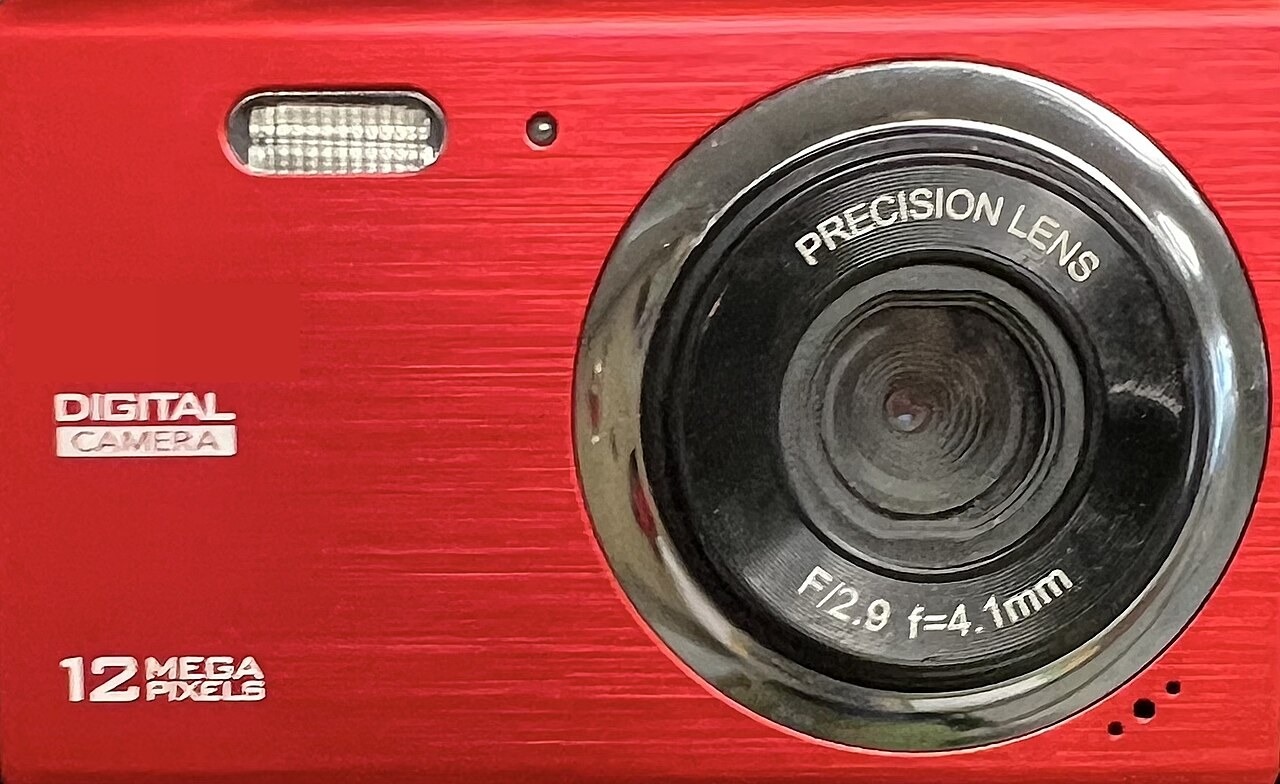
Inspect real photographs and the controls your work needs. A shutter count cannot replace assessing the complete system.
Read article ↗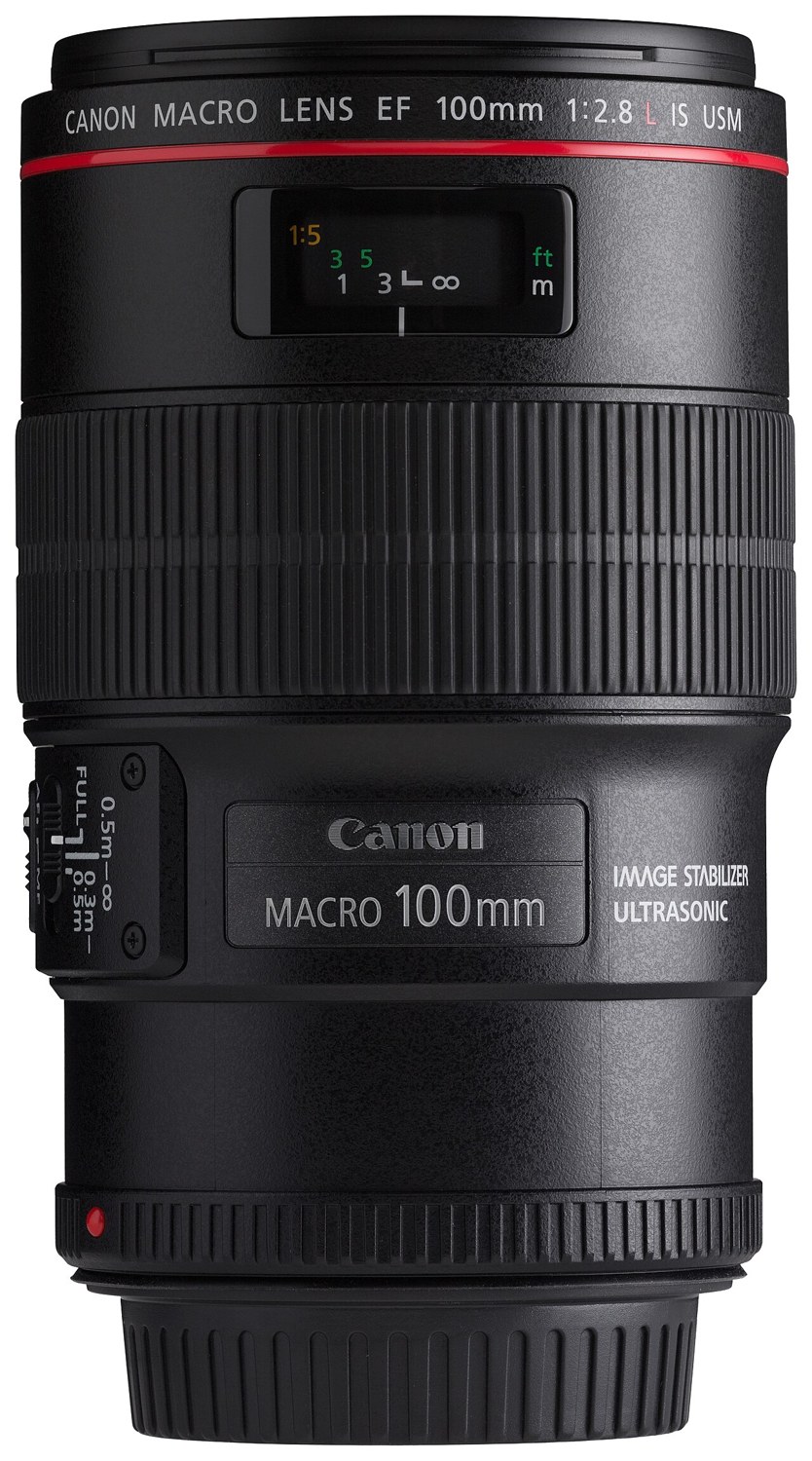
Looking through the glass complements actual photographs. A compatible camera, ordinary subjects and controlled operation make observations useful.
Read article ↗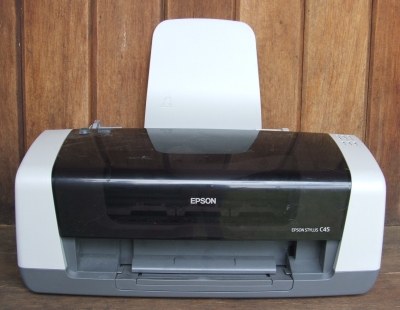
A printer that powers on can still produce unusable pages. Check paper handling, output and available consumables together.
Read article ↗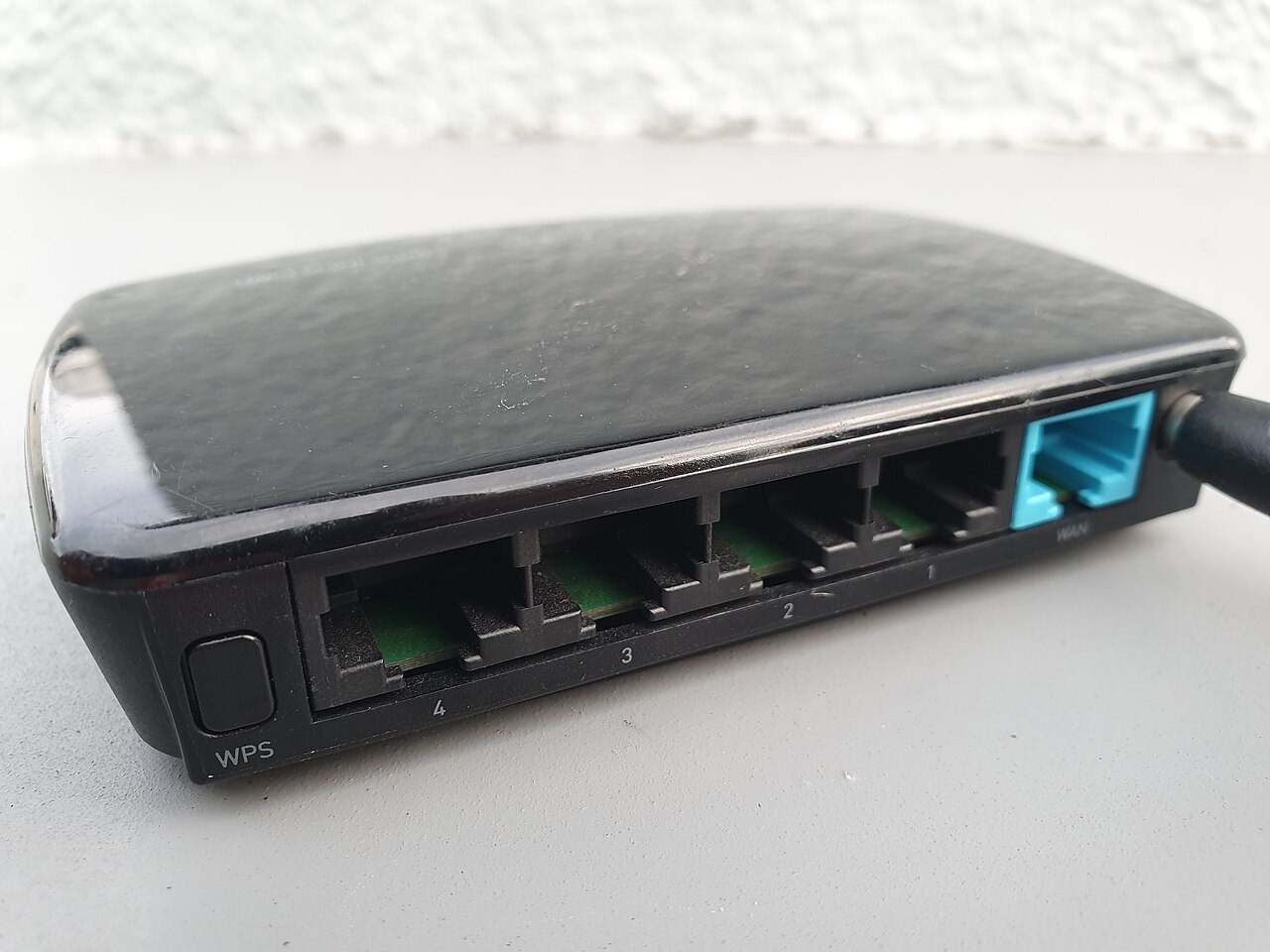
A router must fit the connection and support requirements. Check normal setup before entrusting it with personal configuration.
Read article ↗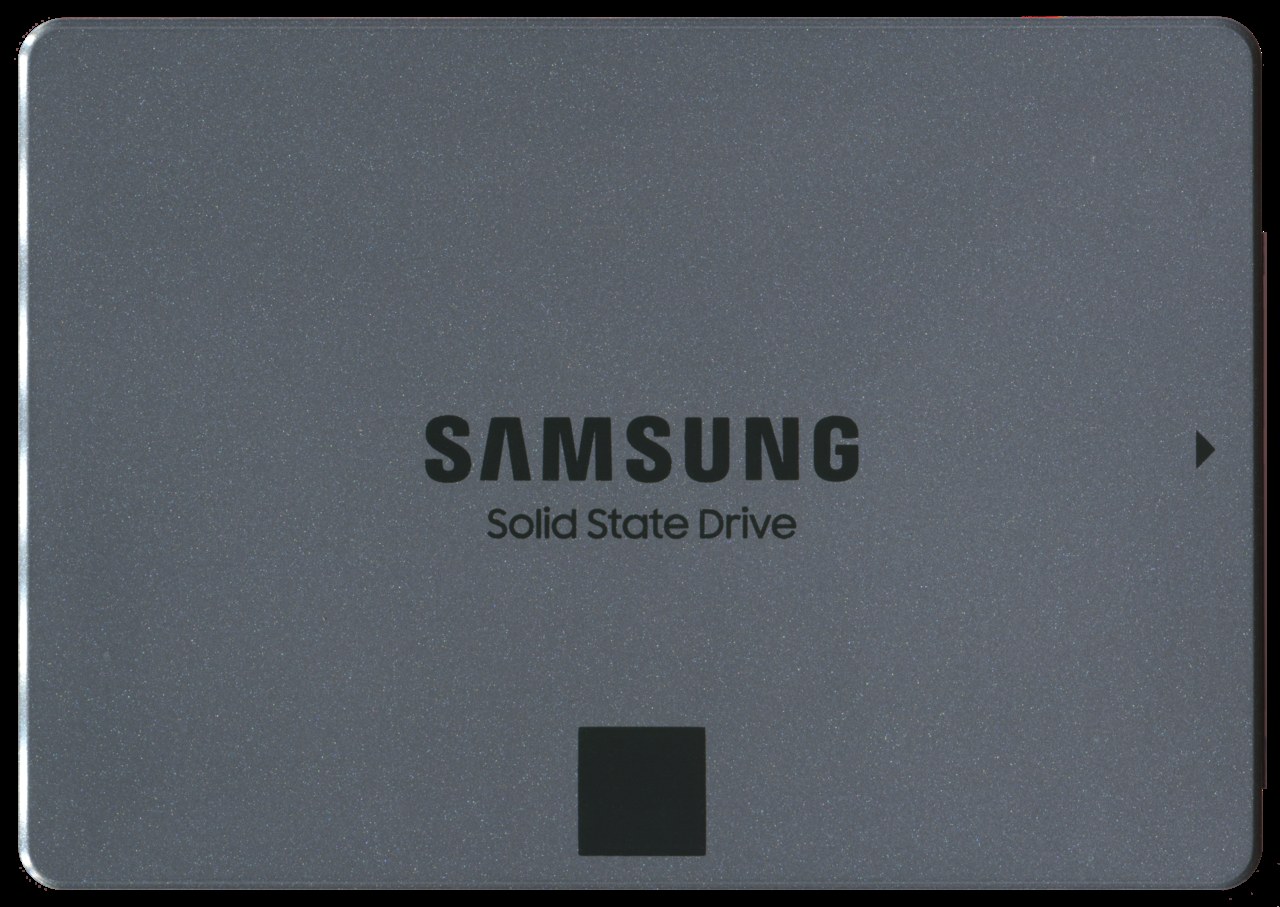
Diagnostics provide clues, not a service-life guarantee. Model, connection and backups remain separate checks.
Read article ↗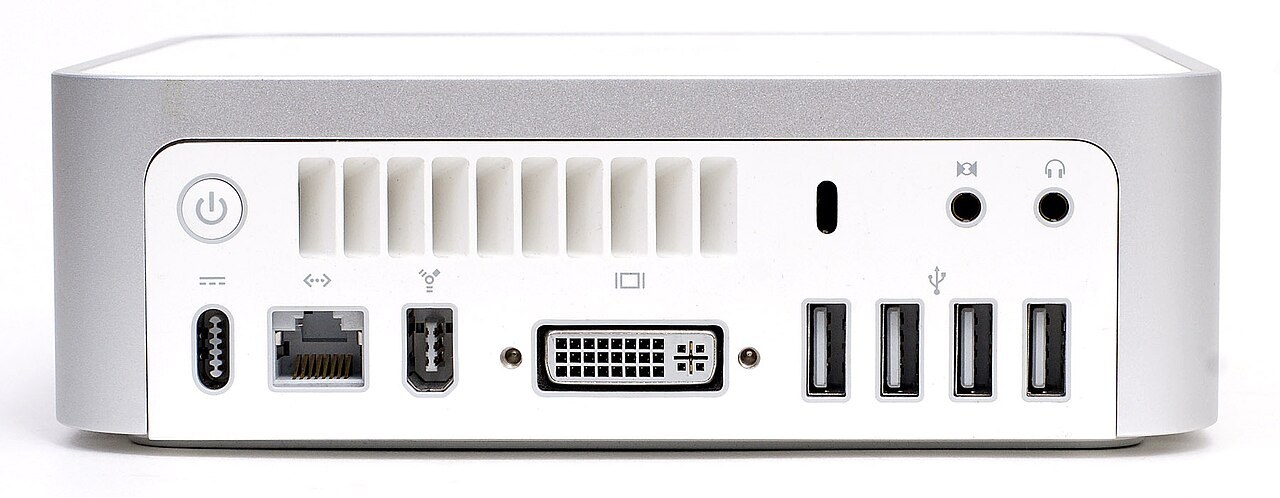
Small enclosures can have very different internal designs. Check installed equipment, spare slots and suitable upgrades separately.
Read article ↗