A monitor can produce a good picture through one input while another connection has a problem. With B-Ware, assess the panel, interfaces and mounting arrangement together. Choose checks according to how you will actually connect and use the screen rather than testing whatever cable happens to be available.
Establish the connection you need
Check model identification and the inputs present. A USB-C socket can support different roles on different equipment; its shape and name do not explain every capability. Read the specification for video, additional USB functions and any power-delivery features instead of assuming all are supported.
Test with an appropriate known cable and suitable source. If the desired resolution or refresh rate is unavailable, the source, cable and settings may also be involved. Record the connection used rather than immediately treating a missing mode as a defect in the display panel without checking the surrounding signal path.
Inspect the panel separately from the signal chain
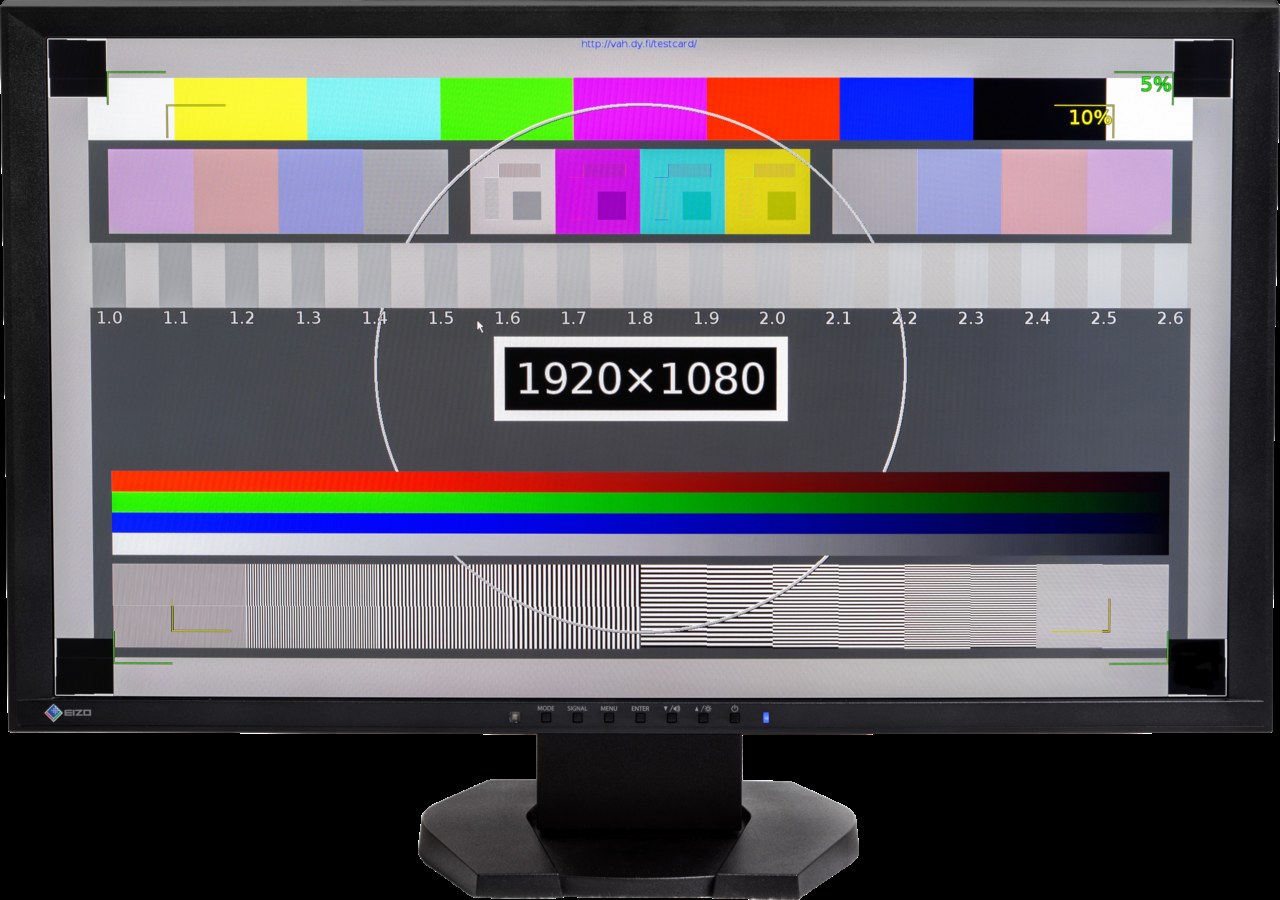
Briefly show plain colours, then text, photographs and moving content. Look for stationary dots, lines and unusual areas. Judge readability at a normal distance rather than only from a few centimetres away. Change brightness through ordinary levels so a single favourable setting does not dominate the assessment.
A manufacturer-provided internal diagnostic can help identify issues. Dell describes such tests for compatible monitors, with instructions depending on the model. An internal test pattern does not automatically inspect every external cable and input, however. These checks complement each other instead of one fully replacing the other.
Include positioning and accessories
Inspect the stand, height adjustment and associated fasteners. A missing stand may require a suitable mount. Its attachment dimensions and permitted load need to suit the monitor. An insecure improvised arrangement is not a sensible way to make the screen temporarily usable while you look for the correct support.
Check the power supply or mains lead and ask about known display-model use. Record accepted marks by type and location. Only then compare the complete effort with a fully equipped offer. A good panel matters, but the connection and secure placement also need to work for a finished everyday workstation.
Common questions
Is an HDMI test enough?
Only for that tested connection. If you need another input or additional USB features, check those specifically.
Do bright edges in a photograph always mean a defect?
Not necessarily. Camera exposure, viewing angle and room lighting affect appearance. Describe what is actually visible during normal use too.