A used router can remain useful when it suits your connection and security needs. An illuminated Wi-Fi indicator cannot establish that. Check the model, software support and power supply before making the device central to your home network or adopting an old configuration whose contents and history are unclear.
Match the connection and variant
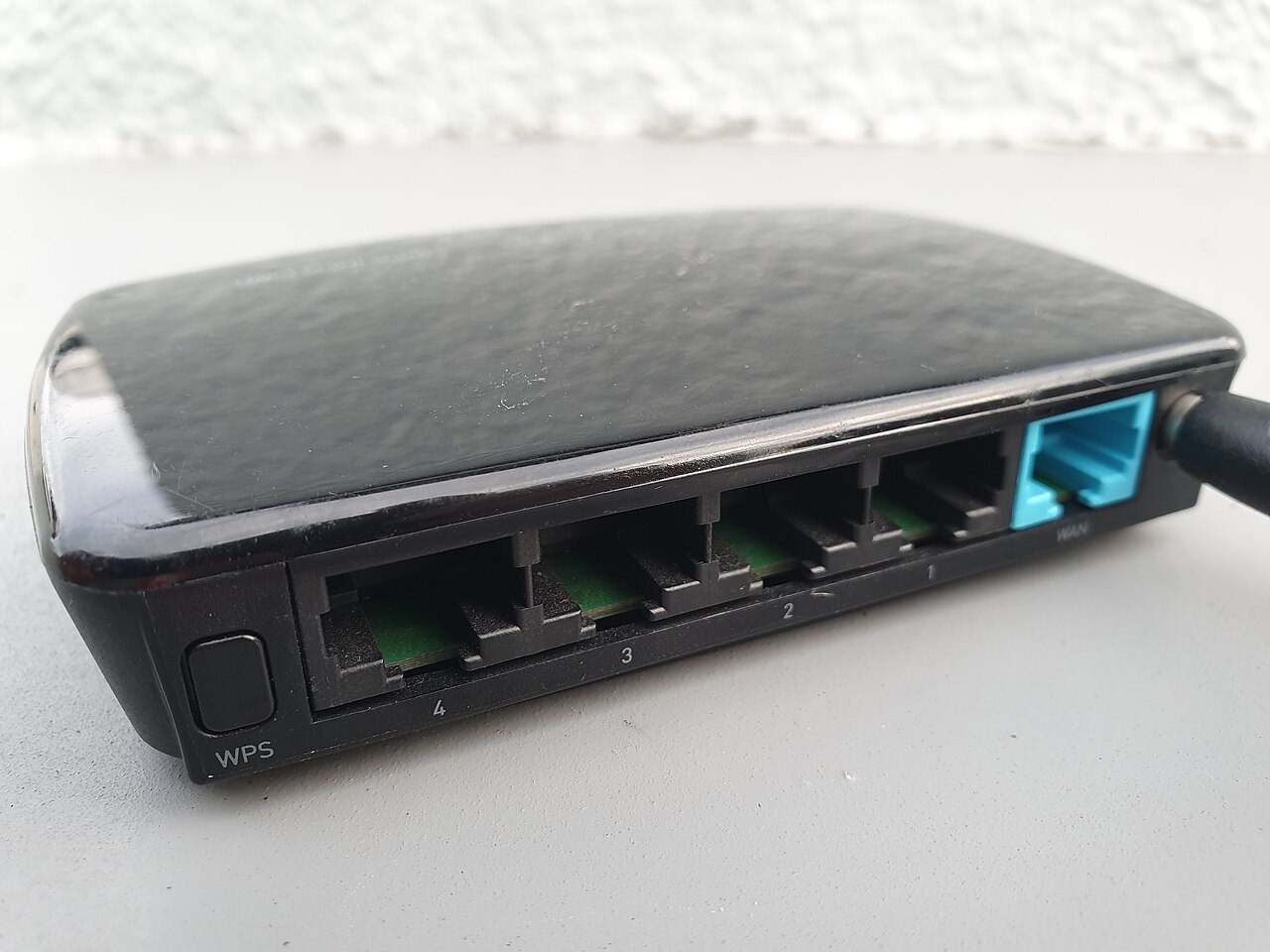
Identify the full model and required access technology. A product for one connection type is not automatically suitable for another. Use your internet provider’s official information to establish required setup and any activation. Similar-looking sockets alone are not enough to determine compatibility with the service you plan to use.
Also check network ports and wireless functions you need. Provider-specific versions can differ in setup or software. Ask whether the device can legitimately be transferred and whether known restrictions exist. Unclear ownership or release status should be resolved before purchase rather than being treated as a technical detail to fix afterwards.
Use factory settings deliberately
Before creating your own setup, existing settings and account connections should be appropriately removed. FRITZ! describes loading factory settings on supported models and the resulting changes. A reset interrupts connections and removes settings; do not accidentally adopt someone else’s private configuration as the basis of your own network.
Follow the exact model’s instructions and intended administration interface. Then establish that normal new setup works. A factory reset cannot extend software support. Independently check available firmware and current manufacturer support information instead of treating successful reset as evidence that the router is up to date for future use.
Inspect supply and connections
Compare the power adapter with the device’s requirements. A barrel connector that fits is not sufficient evidence of electrical compatibility. Damaged cables and enclosures should not be used for another trial. Check required LAN ports and an ordinary wireless connection under circumstances that can be understood and repeated.
Poor wireless results can also reflect placement and surroundings. Comparison at an appropriate location is more useful than a blanket diagnosis from one slow download. Set your own credentials and intended security options. If returning the product later, remove your personal configuration appropriately so that the next recipient does not receive your network information.
Common questions
Does a reset make an old router current again?
No. It resets settings but does not automatically change support status or technical capability.
Can I use the adapter from a similar router?
Only when electrical requirements and connector suitability are confirmed. Similar router enclosures do not establish power-supply compatibility.