A phone can show a camera preview while producing problems with particular lenses, distances or recordings. A few deliberate ordinary situations are enough for an initial buying check. Separate the visible covers, focusing behaviour and saved results rather than diagnosing a cause from one blurred photograph without context.
Prepare the visible camera surfaces
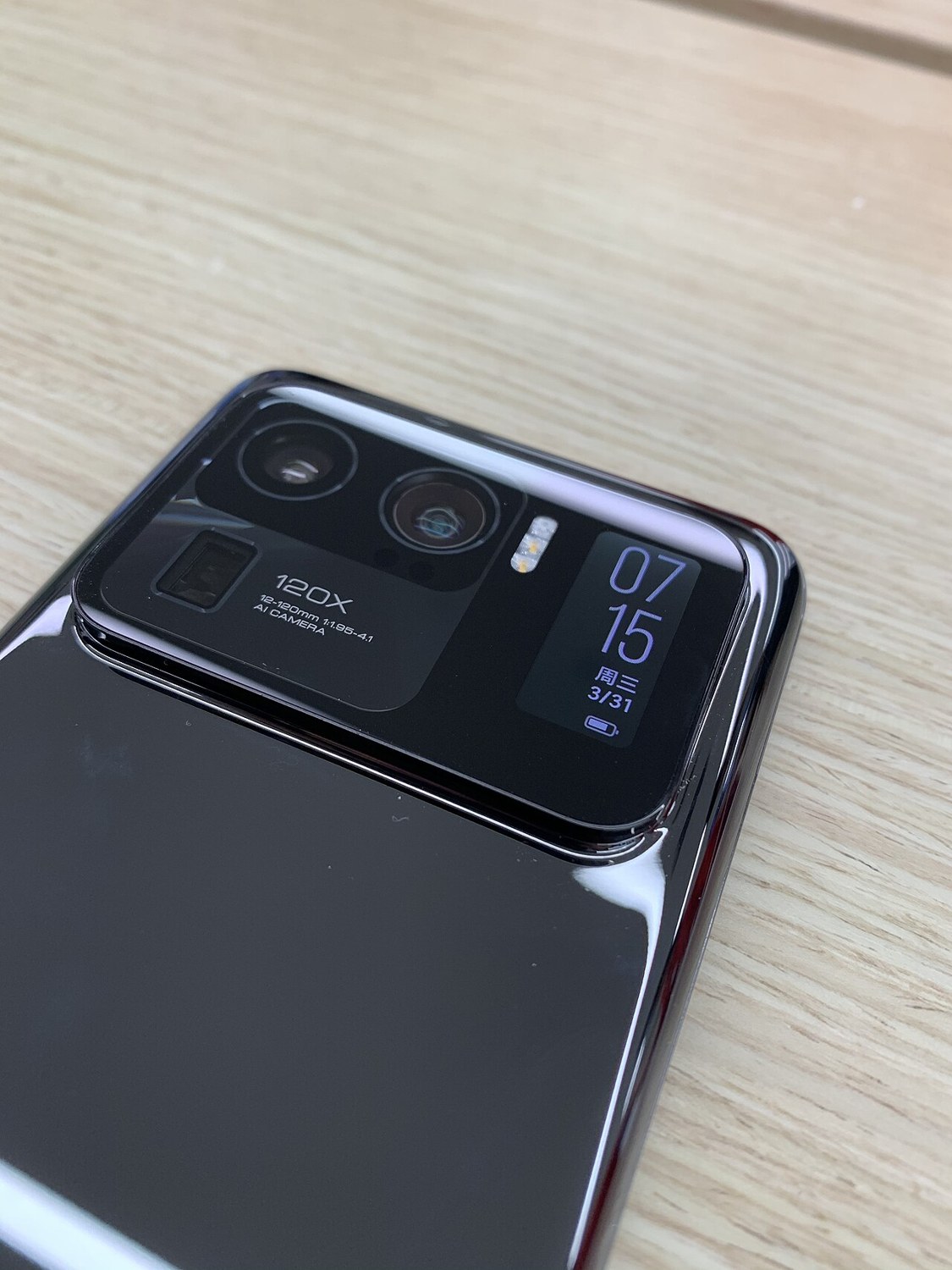
Inspect the camera covers in good light. Look for cracks, pronounced scratches and signs of condensation. Remove fingerprints carefully according to manufacturer guidance. A dirty cover can alter the image even when the camera module underneath has no damage, so begin with an understandable surface condition.
Consider whether a case, lens protector or magnetic accessory could influence the result. With permission, remove detachable accessories where necessary. Do not twist or tap the camera module to try to fix an issue. Record visible damage clearly before further attempts, especially when the cover appears broken or moisture is present.
Use different subjects
Photograph a well-lit object at an ordinary nearby distance and a more distant scene. Tap the desired focus area and inspect the saved file afterwards. Extreme close-up distances may fall outside that camera’s capabilities, making such an image an unfair sole test for a defect.
Switch between the front camera and available rear-camera modes. Depending on the phone and conditions, a zoom selection does not necessarily use one particular physical sensor. Try several ordinary situations and consult the model description when a specific camera is essential for your intended use. This avoids confusing software behaviour with missing hardware.
Check video and recurring symptoms
Record a short clip with slow movement and play it back with sound. Watch for recurring blur, interruptions or a permanently dark area. Assess sound separately because recording a picture does not simultaneously establish that every microphone function works. Keep the original clip for comparison rather than only a screenshot.
Repeat a suspicious result under understandable conditions. Backlighting, movement and low light can reveal ordinary limitations. If the issue persists, save the original file and describe the selected camera and circumstances to the seller. This brief check assesses usable results but cannot replace professional examination of the entire camera system.
Common questions
Does a slight rattle when shaken prove a fault?
Not by itself. Do not shake the phone deliberately. Describe unusual behaviour during normal operation and consult the model’s support guidance.
Is the preview enough to judge the camera?
No. Inspect saved photos and clips. They show whether recording and storage worked under the conditions you actually tested.