Health indicators on a used SSD can appear especially objective. They are useful only when interpreted for the drive and software involved. Read them as current clues rather than a promise of how long the storage device will continue working without a problem. Important data needs appropriate backup regardless of the indicator shown.
Identify the drive precisely
Check the exact model, capacity and interface. An M.2 form factor does not by itself identify the supported communication method. Match the drive with the intended slot and manufacturer specifications. Reassuring diagnostics cannot make an incompatible storage device suitable for a connector that does not support it.
Consider the connection during inspection. Adapters and external enclosures can affect which information reaches diagnostic software. Missing information therefore does not automatically establish a failed drive. Record the connection, software version and drive identifier together so a screenshot has a clear and understandable context rather than an unexplained health percentage.
Read values in their intended context
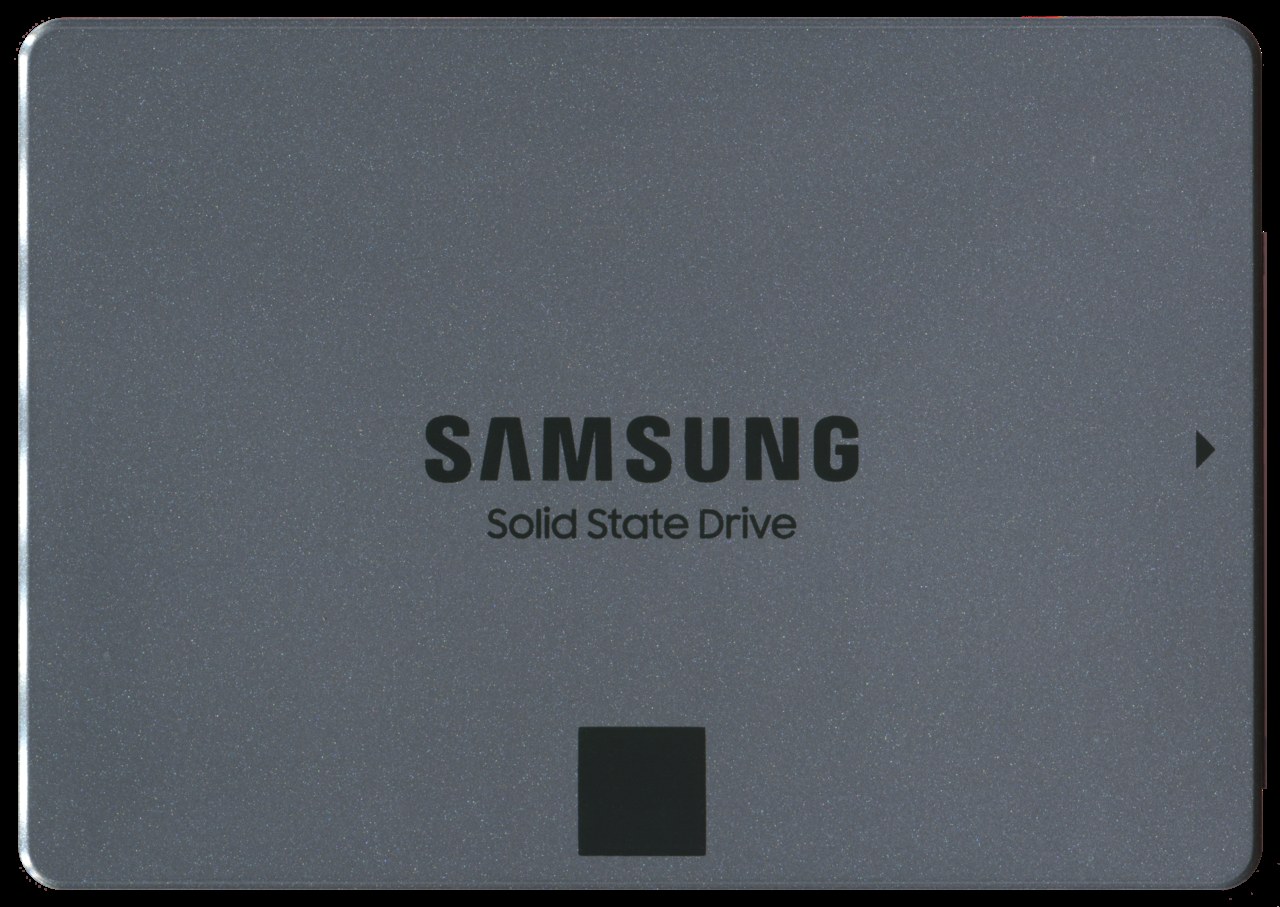
Manufacturer utilities can identify supported drives and display health information. Samsung describes Magician functions including drive condition and written data. Check support for the exact model instead of directly equating percentages produced by different utilities or applying an explanation for one drive to another.
Operating time, written data and reported errors answer different questions. Few operating hours cannot exclude faults; a large write total means little without model context. Raw values and units may be interpreted differently. Use the manufacturer’s explanation and have critical or contradictory messages clarified before treating the storage device as ready for important use.
Separate testing from responsibility for data
Check intended detection and an ordinary write-and-read operation using appropriate test data. Before destructive tests or erasure, establish whether data must be preserved and who can authorise its removal. A purchase inspection is not a reason to explore another person’s files out of curiosity.
A successful transfer cannot prove fault-free operation under every condition. Continue planning independent backups for important content. If the seller promises data erasure, ask which procedure was used instead of treating an empty folder as sufficient evidence. Condition assessment, appropriate data removal and future backup are three different tasks, each needing its own consideration.
Common questions
Does one hundred percent health mean practically new?
Not necessarily. Meaning and calculation depend on the drive and software. It is neither a full usage history nor a future guarantee.
Can an SSD with reassuring values still fail?
Yes. Diagnostics do not capture every possible cause. Back up important data independently of the health indicator.